

How to Log In to the Console (Noiz Client Area)
This guide shows you how to sign in to the Noiz Console, the client area where you manage your hosting services, invoices, domains and support tickets. It is the first thing a new Noiz client needs to do.
Last reviewed: 1 August 2026, against the current Noiz client area. It is kept current as the Console changes.
Before you start
Section titled “Before you start”You need the email address and password you used when you first signed up with Noiz. These are the same details on your welcome email. If you have not signed up yet, you create the account during checkout on the Noiz website.
Sign in
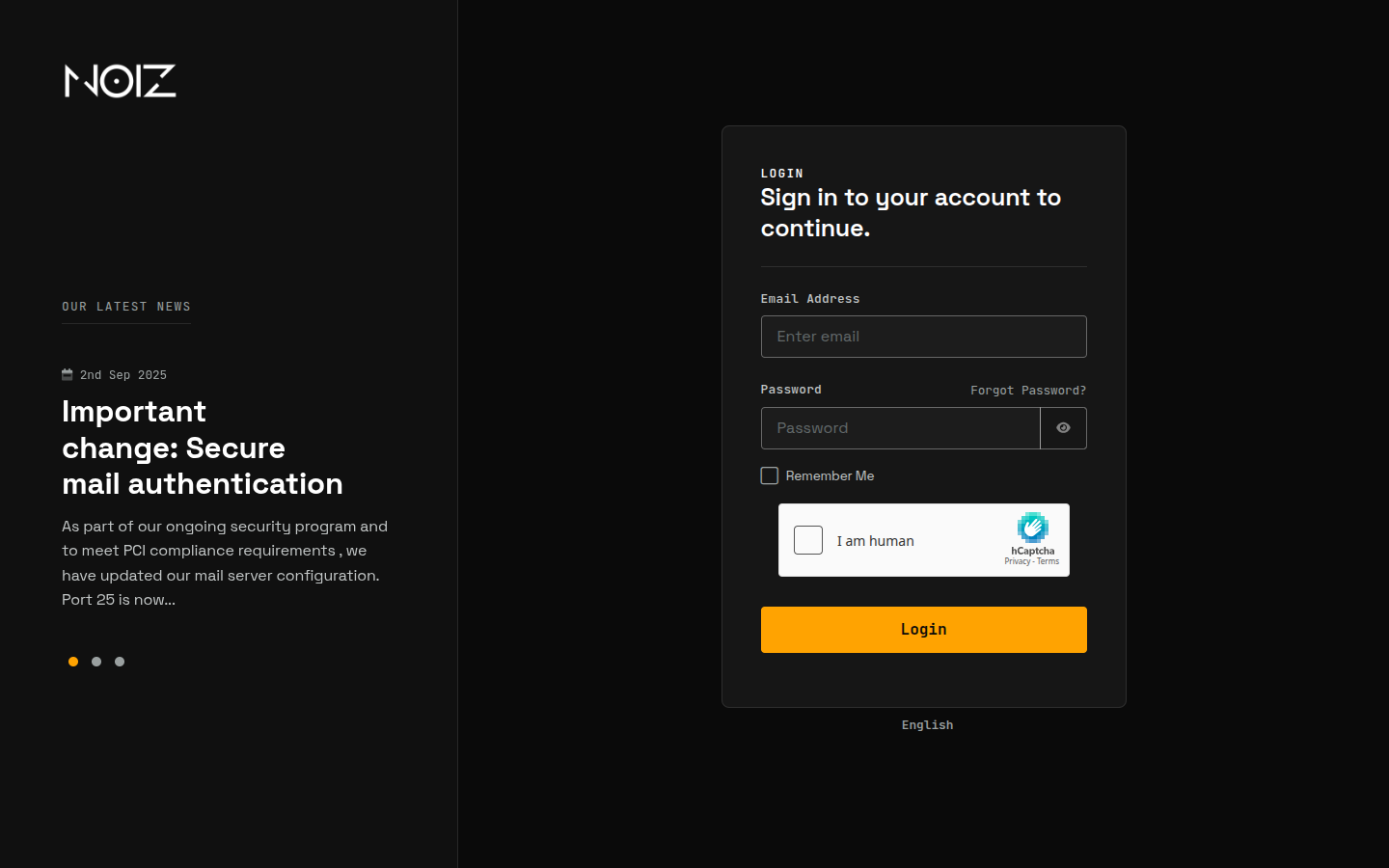
Section titled “Sign in”- Go to the Noiz client area at https://www.noiz.co.za/clientarea.php.
- Enter your Email Address and Password.
- Click Login.
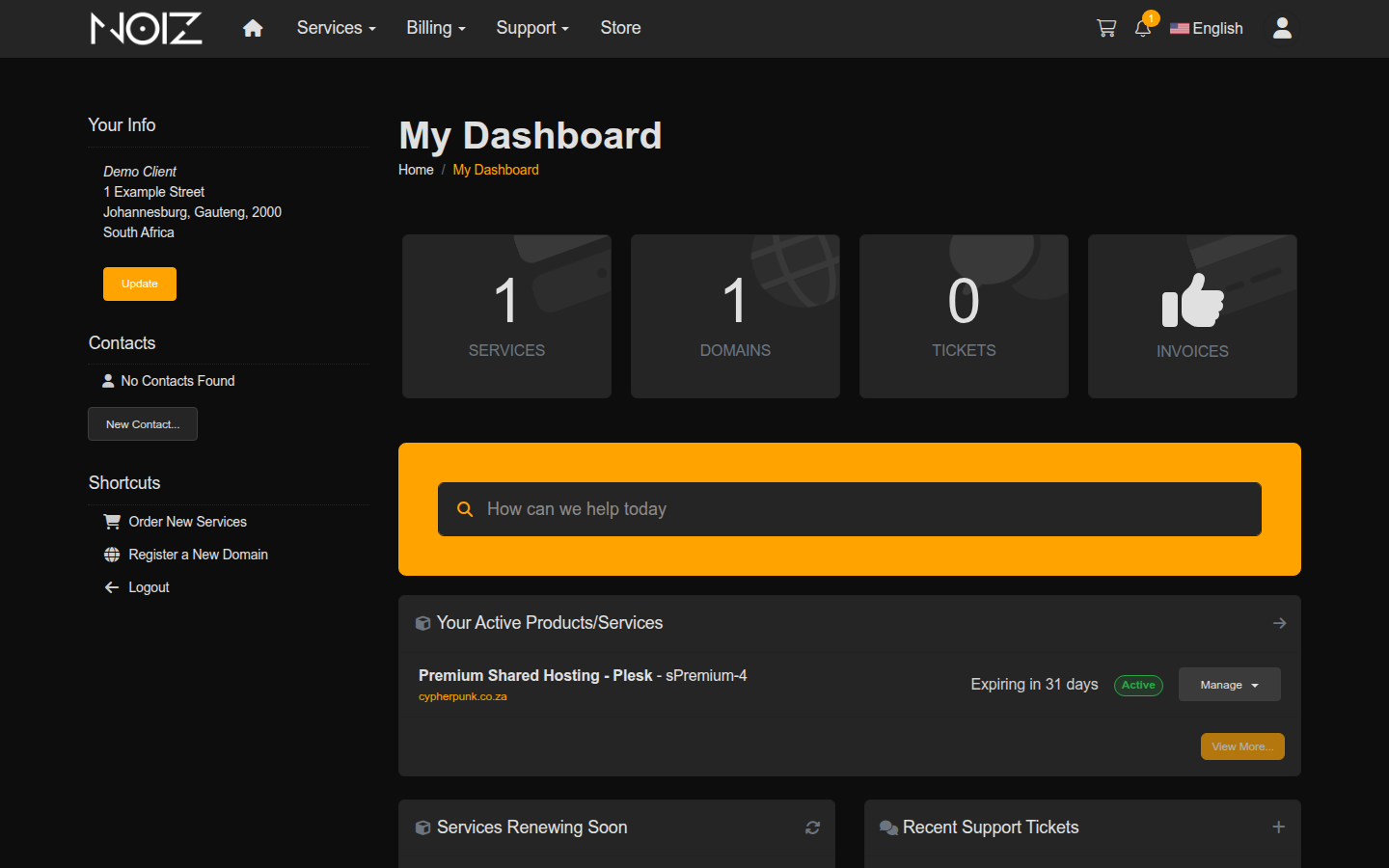
Once signed in you land on My Dashboard, which summarises your services, domains, open tickets and unpaid invoices, and links to everything else.
If the sign-in does not work
Section titled “If the sign-in does not work”- Forgotten password: use the Forgot Password? link on the login form. Noiz emails a reset link to the address on your account; follow it to set a new password.
- Right email, wrong password: the login is the email address on your Noiz account, not your hosting control panel username. The Console sign-in and your panel sign-in are separate.
- Still locked out: contact Noiz support and they will confirm the email address on the account and reset your access.
What you can do from the Console
Section titled “What you can do from the Console”From the dashboard you can reach every part of your account:
- Services: view and manage your hosting packages, and renew or upgrade them. See How to Manage Your Hosting Services.
- Billing: see your invoices and pay them. See How to View and Pay an Invoice.
- Domains: register and manage your domain names. See How to Register and Manage a Domain.
- Support: open and track support tickets. See How to Open a Support Ticket.
[noiz] | disrupt the signal